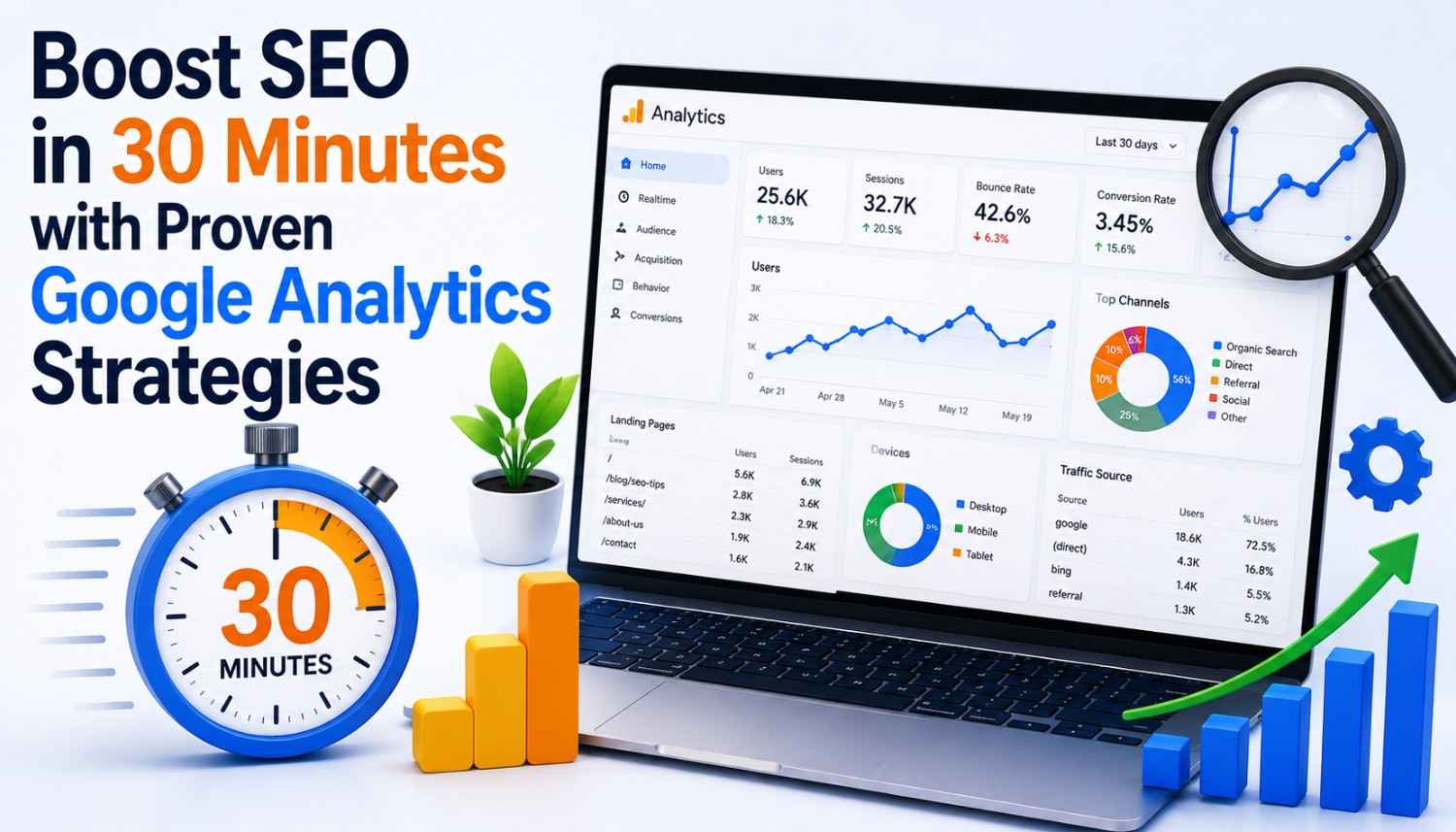
In today’s digital landscape, search engine optimization (SEO) plays a crucial role in shaping the online presence of businesses and organizations. With over 4 million results on Google for SEO tactics, it’s no wonder why SEO has become a vital topic for many online marketers. However, with the vast amount of data and information available, it can be overwhelming to navigate and find the right strategies for success. In this article, we’ll explore four quick wins that can boost your SEO efforts in under 30 minutes using Google Analytics.
Before we dive into the quick wins, it’s essential to ensure that your Google Analytics account is set up correctly. Google Analytics has a plethora of reports, tools, and data that can be overwhelming, especially for beginners. However, by focusing on the critical 20% of the work, we can achieve 80% of the results. To get the most out of Google Analytics, we need to make sure that we’ve taken care of the basic setup, including registering our sitemap with Google Search Console.
Basic Setup: Ensuring Google Can Read Your Sitemap
Registering our sitemap with Google Search Console is a crucial step in ensuring that Google can properly analyze our site. If you use WordPress, you can easily download the Google XML Sitemap plugin to help you create and submit your sitemap. However, just syncing our sitemap isn’t enough – we need to make sure that Google is reading it properly and that we don’t have any errors. Indexing errors can skew our Analytics report and make it more difficult to capture quick wins.
Step 1: Check for Indexing Errors
- To check for indexing errors, log into your Search Console and click the site you want Google to crawl. Then, click Fetch as Google in the Crawl section. Enter the path to the page in the text box, select either desktop or mobile from the drop-down list, and click Fetch. Test for both desktop and mobile to ensure that Google is crawling your site correctly.
- Once you’ve tested your site, request indexing to help Google understand the structure of your site. Additionally, use Google’s robots.txt Tester tool to see if you’ve correctly set up your robots.txt file for all the pages you want Googlebot to crawl (or not crawl).
- For an alternative method, simply type site:yourdomain.com on Google to instantly tell you how many pages Google thinks your site has. Alternatively, go back to your Search Console and select Index Status to see the number of pages Google has indexed. If Google is showing fewer pages than you actually have, it means that Google hasn’t yet indexed some of your content, and you won’t be able to get any Analytics data on it.
Step 2: Ensure Google Is Crawling Your Site
Once we’ve checked for indexing errors, it’s essential to ensure that Google is crawling your site correctly. To do this, we need to log into our Search Console and click the site we want Google to crawl. Then, click Fetch as Google in the Crawl section, enter the path to the page in the text box, select either desktop or mobile from the drop-down list, and click Fetch. Test for both desktop and mobile to ensure that Google is crawling your site correctly.
Step 3: Set Up Goals in Google Analytics
- Google defines goals as measurements for how often people are taking the actions you want them to take. For example, one of my goals on my site is for people to click the orange button. Setting up goals allows you to measure GA data alongside the specific outcomes that are important to you.
- To set up goals, click the ad button in the bottom left corner of your Google Analytics account, select the goal you want to set up, and enter the URL of the page you want to track. You can also set up events to track specific actions on your site, such as clicks on a button or downloads of a file.
Quick Win 1: Set Up Goals in Google Analytics
By setting up goals in Google Analytics, we can measure the success of our site and identify areas for improvement. This will help us to create a more targeted and effective SEO strategy that drives real results.
Quick Win 2: Optimize Your Site for Mobile
- With the majority of internet users accessing websites on their mobile devices, it’s essential to optimize your site for mobile. This includes ensuring that your site is responsive, has a clear and easy-to-use interface, and loads quickly.
- By optimizing your site for mobile, you can improve the user experience and increase the chances of your site ranking higher in search engine results pages (SERPs).
Quick Win 3: Use Keyword Research Tools
- Keyword research tools, such as Google Keyword Planner and , can help us identify the most relevant and high-performing keywords for our site. By using these tools, we can create a more targeted and effective SEO strategy that drives real results.
- Additionally, these tools can provide us with valuable insights into our competitors’ strategies and help us stay ahead of the game.
Quick Win 4: Leverage Local SEO
- Local SEO is a crucial aspect of SEO that involves optimizing your site for local search queries. This includes creating a Google My Business listing, optimizing your site for location-based keywords, and building high-quality backlinks from local sources.
- By leveraging local SEO, you can increase your visibility in local search results and attract more customers to your business.
Conclusion
In conclusion, by implementing these four quick wins, you can boost your SEO efforts in under 30 minutes using Google Analytics. From setting up goals to optimizing your site for mobile, keyword research tools, and leveraging local SEO, these strategies can help you create a more targeted and effective SEO strategy that drives real results.
By following these tips, you can improve your site’s visibility, drive more traffic, and ultimately increase your online presence. Remember to always keep your goals in mind and adjust your strategy accordingly to ensure the best possible results.
Key Takeaways
- Set up goals in Google Analytics to measure the success of your site and identify areas for improvement.
- Optimize your site for mobile to improve the user experience and increase the chances of your site ranking higher in search engine results pages (SERPs).
- Use keyword research tools to identify the most relevant and high-performing keywords for your site.
- Leverage local SEO to increase your visibility in local search results and attract more customers to your business.
- Keep your goals in mind and adjust your strategy accordingly to ensure the best possible results.
Frequently Asked Questions (FAQs)
What is the best way to set up goals in Google Analytics?
Setting up goals in Google Analytics is a straightforward process. Simply click the ad button in the bottom left corner of your Google Analytics account, select the goal you want to set up, and enter the URL of the page you want to track. You can also set up events to track specific actions on your site, such as clicks on a button or downloads of a file.
How do I optimize my site for mobile?
Optimizing your site for mobile involves ensuring that your site is responsive, has a clear and easy-to-use interface, and loads quickly. This can be achieved by using a mobile-friendly theme, optimizing images, and using a content delivery network (CDN) to reduce page load times.
What are keyword research tools, and how can I use them?
Keyword research tools, such as Google Keyword Planner and , can help you identify the most relevant and high-performing keywords for your site. By using these tools, you can create a more targeted and effective SEO strategy that drives real results.
How can I leverage local SEO to increase my online presence?
Leveraging local SEO involves creating a Google My Business listing, optimizing your site for location-based keywords, and building high-quality backlinks from local sources. By doing so, you can increase your visibility in local search results and attract more customers to your business.
What is the most important thing to keep in mind when implementing these quick wins?
The most important thing to keep in mind when implementing these quick wins is to keep your goals in mind and adjust your strategy accordingly to ensure the best possible results. By doing so, you can create a more targeted and effective SEO strategy that drives real results.