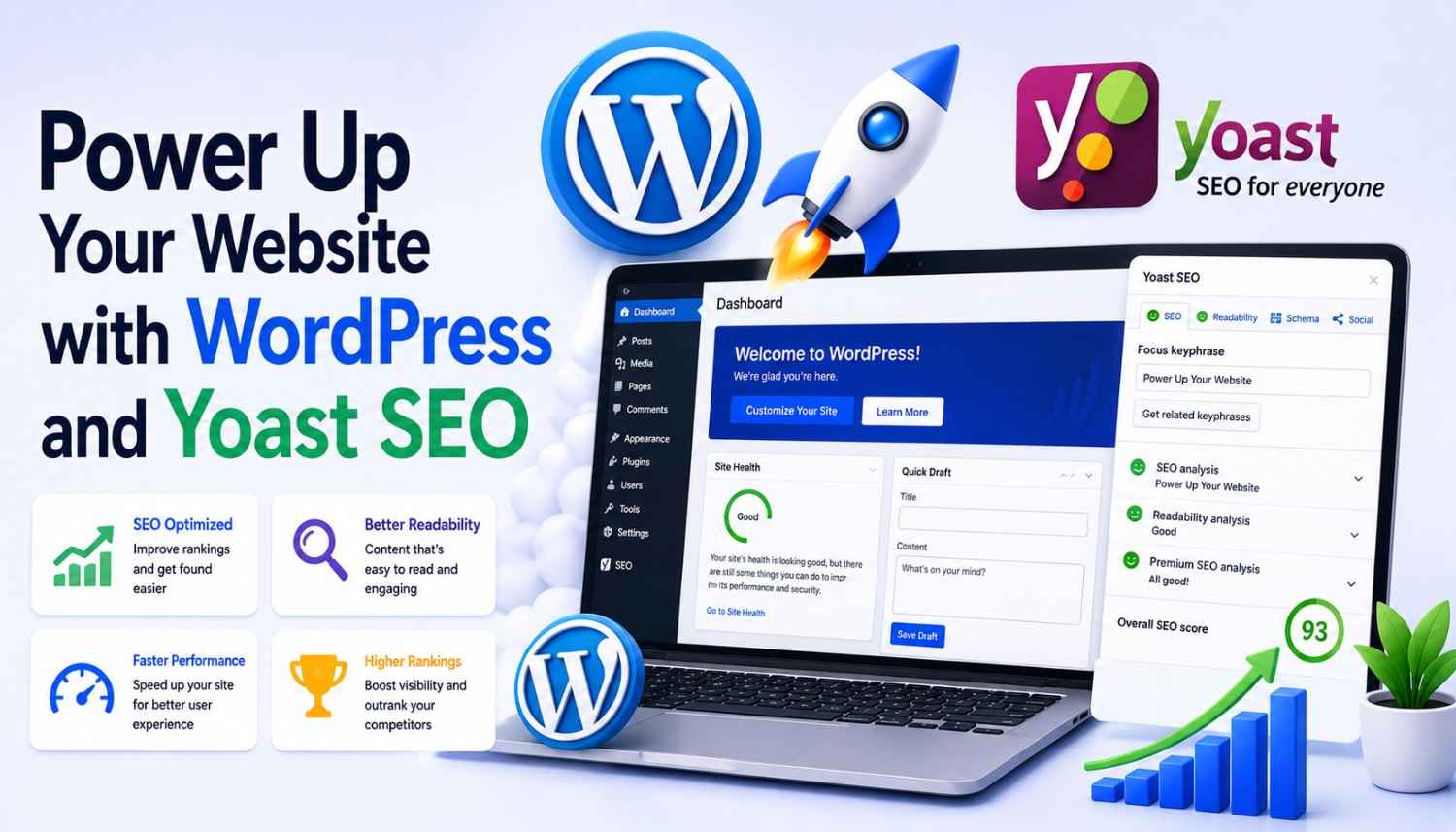
When it comes to creating a successful online presence for your business, having a well-designed website is just the first step. To drive traffic and attract potential customers, you need to optimize your site for search engines like Google. This is where SEO comes in, and for many site owners, it can seem like a daunting task. However, with the right tools and a little guidance, you can take your SEO efforts to the next level. In this article, we’ll explore the perfect marriage between WordPress and Yoast SEO, a powerful and easy-to-use platform for optimizing your website.
Why WordPress is the Perfect Platform for Your Website
With over 26% of the web powered by WordPress, it’s clear that this platform is a popular choice among site owners. Originally launched as b2 cafelog in 2001, WordPress has evolved into a highly customizable and easy-to-use platform that’s perfect for businesses of all sizes. Its open-source software allows programmers from all over the world to create plugins, which can be used to customize your website in a variety of ways.
- One of the most significant advantages of WordPress is its vast collection of plugins, which can be used to customize your website’s appearance and functionality.
- With over 50,000 plugins available, you’re sure to find one that meets your needs, whether you’re looking to improve your website’s security, enhance its user experience, or optimize its SEO.
- Another benefit of WordPress is its community-driven approach, which means that there are always developers working on new plugins and themes to improve the platform.
The Power of Yoast SEO
When it comes to SEO, Yoast SEO is one of the most popular and powerful plugins available for WordPress. With its user-friendly interface and comprehensive features, Yoast SEO makes it easy to optimize your website for search engines like Google.
- One of the key features of Yoast SEO is its ability to analyze your website’s content and provide recommendations for improvement.
- Yoast SEO also allows you to optimize your website’s meta tags, titles, and descriptions, which are essential for improving your website’s visibility in search engine results pages (SERPs).
- Another benefit of Yoast SEO is its ability to help you identify and fix technical SEO issues on your website, such as broken links and duplicate content.
Getting Started with Yoast SEO
Installing Yoast SEO on your WordPress website is a straightforward process that can be completed in just a few steps. First, log in to the back end of your WordPress site and navigate to the Plugins page.
- From there, click on the Add New button and search for Yoast SEO in the plugin directory.
- Once you’ve found the Yoast SEO plugin, click the Install Now button to download and install it on your website.
- After the plugin has been installed, click the Activate button to enable it on your website.
Setting Up Yoast SEO
Once you’ve installed and activated Yoast SEO, it’s time to set it up and start optimizing your website for search engines. The first step is to configure the plugin’s settings, which can be found in the Yoast SEO menu in your WordPress dashboard.
- From the settings page, you can configure your website’s title, meta description, and keywords, as well as set up your website’s social media profiles.
- You can also use the settings page to configure your website’s internal linking structure, which can help improve your website’s user experience and search engine rankings.
- Another important setting is the XML sitemap, which tells search engines like Google about the structure of your website and helps them index your content more efficiently.
Tips for Optimizing Your Website with Yoast SEO
Now that you’ve set up Yoast SEO on your website, it’s time to start optimizing your content for search engines. Here are some tips to get you started:
- Use relevant keywords in your content, but avoid keyword stuffing, which can negatively impact your search engine rankings.
- Optimize your meta tags, titles, and descriptions to accurately reflect the content of your pages.
- Use internal linking to connect related content on your website and improve user experience.
- Regularly update your content to keep search engines like Google crawling your website and indexing new content.
Conclusion
Optimizing your website for search engines is an ongoing process that requires effort and dedication. With the right tools and guidance, however, you can take your website to the next level and attract more visitors. In this article, we’ve explored the perfect marriage between WordPress and Yoast SEO, a powerful and easy-to-use platform for optimizing your website. By following the tips and best practices outlined above, you can start optimizing your website today and see real results in the search engine rankings.
Remember, SEO is a journey, not a destination. With the right mindset and the right tools, you can achieve success and attract more visitors to your website.
Key Takeaways
- WordPress is a popular and highly customizable platform for building websites.
- Yoast SEO is a powerful and easy-to-use plugin for optimizing your website for search engines.
- Optimizing your website for search engines requires effort and dedication, but with the right tools and guidance, you can achieve success.
- Use relevant keywords in your content, and optimize your meta tags, titles, and descriptions to accurately reflect the content of your pages.
- Use internal linking to connect related content on your website and improve user experience.
- Regularly update your content to keep search engines like Google crawling your website and indexing new content.
Frequently Asked Questions (FAQs)
What is Yoast SEO, and how does it work?
Yoast SEO is a plugin for WordPress that helps you optimize your website for search engines like Google. It analyzes your website’s content and provides recommendations for improvement, allowing you to optimize your meta tags, titles, and descriptions, and identify and fix technical SEO issues on your website.
How do I install Yoast SEO on my WordPress website?
To install Yoast SEO on your WordPress website, log in to the back end of your website and navigate to the Plugins page. From there, click on the Add New button and search for Yoast SEO in the plugin directory. Once you’ve found the plugin, click the Install Now button to download and install it on your website.
How do I configure Yoast SEO settings on my website?
To configure Yoast SEO settings on your website, navigate to the Yoast SEO menu in your WordPress dashboard. From there, you can configure your website’s title, meta description, and keywords, as well as set up your website’s social media profiles and internal linking structure.
How do I use Yoast SEO to optimize my website’s content?
To use Yoast SEO to optimize your website’s content, start by creating high-quality, relevant content that includes relevant keywords. Then, use Yoast SEO to optimize your meta tags, titles, and descriptions to accurately reflect the content of your pages. Finally, use internal linking to connect related content on your website and improve user experience.