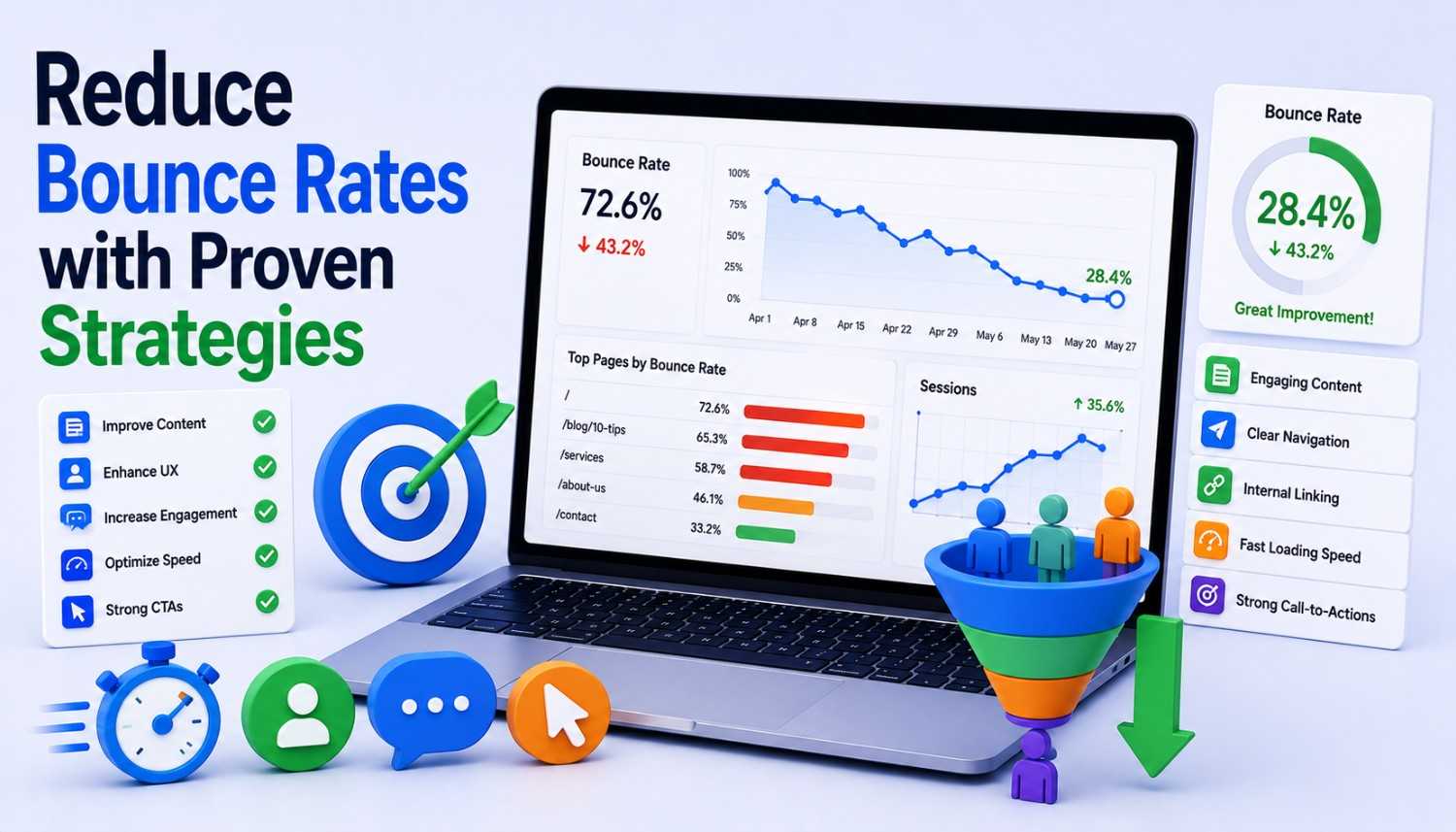
In today’s digital landscape, understanding the intricacies of bounce rates has become crucial for businesses and website owners seeking to create engaging experiences for their visitors. While reducing bounce rates can be challenging, it is not impossible. By aligning content with visitor intent, optimizing page speed, incorporating mobile-friendly design, using effective internal linking, and refining call-to-action (CTA) elements, you can significantly decrease bounce rates and enhance user engagement.
However, before diving into the specifics of bounce rate reduction, it is essential to understand the definition of bounce rates used by Google Analytics. Unlike the general definition of bounce rate as the percentage of an entrance page’s visitors who only view that page, Google Analytics defines bounce rate as the percentage of sessions that were not engaged. An engaged session meets one of the following criteria: time on site, pages per session, or events. This more nuanced definition is more useful because it acknowledges that a visitor only viewing one page may not necessarily be a bad thing.
Bounce Rate and Visitor Intent
Visitor intent describes a user’s motivation for viewing a page, answering the question, “What does this person want?” A visitor from a search engine results page (SERP) who types “how to brew tea” into Google is likely looking for instructions to brew tea. On the other hand, someone arriving after clicking a link that reads “Get Your 50% Software Discount” in a newsletter has very different intent. Content utility, a measure of how well content satisfies intent, is one of the top site features that researchers associate with engagement.
Aligning Content with Visitor Intent
Before refining pages to align more closely with visitor intent, you must first ensure that your content is broadly on track. This involves understanding the types of content that resonate with your target audience. You can do this by analyzing user behavior, reading user reviews, and conducting surveys. Once you have a general understanding of your audience’s needs and preferences, you can begin to tailor your content to meet their expectations.
- To check if your content is meeting basic intent, analyze user search queries and use tools like Google Trends or Keyword Planner to identify relevant keywords.
- Use social media listening tools like Hootsuite or Sprout Social to identify conversations related to your brand or industry and tailor your content accordingly.
- Conduct user testing to validate your assumptions about visitor intent and make data-driven decisions about content refinement.
Optimizing Page Speed
Page speed has a significant impact on bounce rates, with 53% of users leaving a page if it takes longer than three seconds to load. Many recent studies show that page load speed still has the same impact. The Economic Times achieved a 43% reduction in its bounce rate after improving page speed. Adobe saw a 12% decrease. Original research by Portentalso uncovered that ecommerce sites with a one-second load time convert 2.5 times better than sites with a 4-second load time.
- Use a content delivery network (CDN) like Cloudflare to reduce latency and improve page load speed.
- Compress large images to reduce file size and improve page load speed.
- Minify HTML, CSS, and JavaScript files to reduce file size and improve page load speed.
Mobile-Friendly Design
Mobile accounts for over 63% of all web traffic, making mobile-friendly design imperative for reducing bounce rates. A mobile-friendly design ensures that your website is easy to navigate and use on smaller screens. This includes ensuring that your website is responsive, with a layout that adapts to different screen sizes and devices.
- Use a responsive design framework like Bootstrap or Foundation to ensure that your website is mobile-friendly.
- Test your mobile design across multiple mobile devices and browsers using tools like BrowserStack.
Effective Internal Linking
Internal linking is a crucial aspect of user experience, allowing users to navigate your website easily and find relevant content. Wikipedia has one of the strongest internal linking structures on the web, with users viewing 3.25 pages per session and a bounce rate of 53.42%. To include more internal links on your pages, use anchor text that is descriptive and relevant to the content.
- Use descriptive anchor text that indicates the content of the linked page.
- Link to relevant and related content to help users find more information.
Refining Call-to-Action (CTA) Elements
Even small tweaks to a CTA can have a dramatic effect on clicks, which will have a knock-on effect on your bounce rate. CTAs are easy to A/B test, and the impacts of changes are dependent on site design and audience. To refine your CTAs, use relevant language, make them prominent, and use a clear and concise design.
- Use relevant language that aligns with your brand and audience.
- Make your CTAs prominent and easy to find.
Conclusion
In conclusion, reducing bounce rates requires a comprehensive approach that aligns content with visitor intent, optimizes page speed, incorporates mobile-friendly design, uses effective internal linking, and refines call-to-action elements. By implementing these strategies, you can create a more engaging user experience, increase conversions, and ultimately, reduce bounce rates.
Remember, every small change can have a significant impact on your bounce rate. Start by analyzing your current bounce rate and identifying areas for improvement. Then, implement the strategies outlined in this article and monitor your progress. With time and effort, you can create a website that is more engaging, more effective, and more successful.
Key Takeaways
- Aligning content with visitor intent is crucial for reducing bounce rates.
- Optimizing page speed can have a significant impact on bounce rates.
- Mobile-friendly design is imperative for reducing bounce rates.
- Effective internal linking can help users navigate your website easily.
- Refining call-to-action elements can have a dramatic effect on clicks.
Frequently Asked Questions (FAQs)
What is bounce rate, and why is it important?
Bounce rate is the percentage of sessions that were not engaged. An engaged session meets one of the following criteria: time on site, pages per session, or events. Bounce rate is important because it indicates how well your website is meeting user needs and expectations.
How can I reduce my bounce rate?
To reduce your bounce rate, align content with visitor intent, optimize page speed, incorporate mobile-friendly design, use effective internal linking, and refine call-to-action elements.
What is the impact of page speed on bounce rate?
Page speed has a significant impact on bounce rates, with 53% of users leaving a page if it takes longer than three seconds to load.
How can I make my website more mobile-friendly?
To make your website more mobile-friendly, use a responsive design framework, test your design across multiple mobile devices and browsers, and ensure that your website is easy to navigate on smaller screens.
What is the importance of internal linking?
Internal linking is crucial for user experience, allowing users to navigate your website easily and find relevant content.