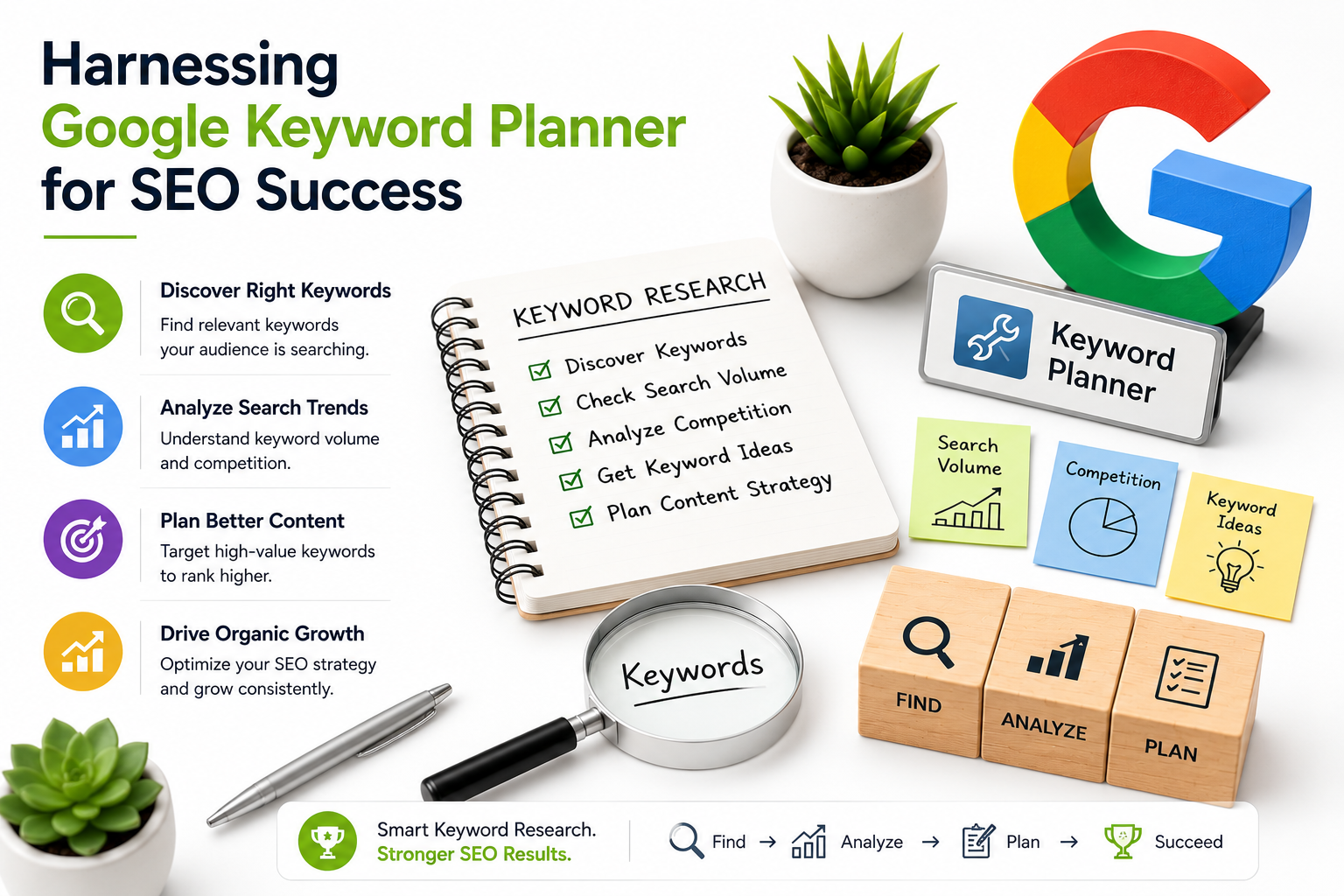
As a digital marketing agency, Marastu has worked with numerous clients to improve their online presence and drive more traffic to their websites. One of the key strategies we employ is search engine optimization (SEO), which involves optimizing website content to rank higher in search engine results pages (SERPs) for specific keywords. However, finding the right keywords can be a daunting task, especially for those who are new to SEO. In this article, we’ll explore the use of Google Keyword Planner, a powerful and free tool that can help you find the perfect keywords for your SEO strategy.
Google Keyword Planner is a tool that helps marketers find keywords for both pay-per-click (PPC) and SEO campaigns. It uses Google’s data to provide keyword suggestions, monthly search volume, trend insights, and PPC costs. While the tool was designed for PPC marketers, SEO professionals have been using it for years as a free alternative or complement to premium keyword research tools like Ubersuggest. Even if you pay for premium tools, the Keyword Planner is a great place to start your keyword research because it’s the only SEO tool on the market that provides recommendations based on Google’s data.
Getting Started with Google Keyword Planner
To get started with Google Keyword Planner, you’ll need to create a Google Ads account. Don’t worry, you won’t have to launch a campaign or spend any money. Once you’re signed in, navigate to the Keyword Planner by clicking on the “Tools” menu and selecting “Planning” from the drop-down menu. You’ll find the Keyword Planner under the “Tools” menu in the left-hand sidebar.
Discovering New Keywords
When you open the Keyword Planner, you’ll be presented with two options: “Get search volume data and trends” and “Discover new keywords.” We want to find new keywords, so let’s click on the “Discover new keywords” option. This is where the magic happens, and you’ll start to see a list of potential keywords that are related to your business.
- When entering keywords, it’s essential to be specific and focused on your business. For example, if you’re an SEO agency, you might enter “SEO agency” rather than “SEO” or “SEO agency San Diego.” This will help you get more targeted and relevant results.
- You can also add a website to filter out keywords that don’t match your offering. This isn’t necessary, but it will save you time in the long run by removing irrelevant keywords from your results.
- Google will default the search location to your country, but you can change this to target specific countries, states, or cities.
Using a Seed Keyword
One of the most effective ways to find new keywords using Google Keyword Planner is to start with a seed keyword. A seed keyword is a word or phrase that you’re already targeting, and it can help you generate more ideas and related keywords. For example, if your seed keyword is “SEO,” you might enter this into the Keyword Planner to see what other keywords are related to it.
- When using a seed keyword, make sure to enter it in the correct format. For example, if your seed keyword is “SEO,” you might enter this as “SEO” rather than “SEO agency” or “SEO services.”
- Also, be sure to adjust the search location to target the specific country, state, or city you’re interested in.
Refining Your Results
Once you’ve generated a list of potential keywords using Google Keyword Planner, it’s essential to refine your results. This will help you get more targeted and relevant keywords that are likely to attract your target audience.
Using the Refine Keywords Bar
On the right-hand side of the results, you’ll see a “Refine keywords” bar. This bar provides a range of filters that you can use to narrow down your results. For example, you can filter by brand or non-brand keywords, or by platform (e.g., Google, Bing, or YouTube).
- When using the Refine keywords bar, make sure to select the filters that are most relevant to your business. For example, if you’re an SEO agency, you might select “non-brand” keywords and “Google” as your platform.
- Also, be sure to adjust the search location to target the specific country, state, or city you’re interested in.
Combining Google Keyword Planner with Ubersuggest
One of the best ways to unlock even more value from Google Keyword Planner is to combine it with Ubersuggest. Ubersuggest is a premium keyword research tool that provides more advanced features and insights than Google Keyword Planner. By using both tools together, you can get a more comprehensive understanding of your target audience and generate more targeted and relevant keywords.
- When combining Google Keyword Planner with Ubersuggest, make sure to use the Refine keywords bar in Google Keyword Planner to narrow down your results. Then, import these results into Ubersuggest to get more advanced features and insights.
- Also, be sure to adjust the search location to target the specific country, state, or city you’re interested in.
Conclusion
In conclusion, Google Keyword Planner is a powerful and free tool that can help you find the perfect keywords for your SEO strategy. By using the tool in conjunction with Ubersuggest, you can get a more comprehensive understanding of your target audience and generate more targeted and relevant keywords. Remember to refine your results using the Refine keywords bar and adjust the search location to target the specific country, state, or city you’re interested in.
By following these tips and techniques, you can unlock the full potential of Google Keyword Planner and take your SEO strategy to the next level.
Key Takeaways
- Google Keyword Planner is a free tool that provides keyword suggestions, monthly search volume, trend insights, and PPC costs.
- The tool is best used in conjunction with Ubersuggest to get more advanced features and insights.
- Refine your results using the Refine keywords bar to get more targeted and relevant keywords.
- Adjust the search location to target the specific country, state, or city you’re interested in.
Frequently Asked Questions (FAQs)
What is Google Keyword Planner?
Google Keyword Planner is a free tool that helps marketers find keywords for both PPC and SEO campaigns. It uses Google’s data to provide keyword suggestions, monthly search volume, trend insights, and PPC costs.
How do I use Google Keyword Planner for SEO?
To use Google Keyword Planner for SEO, simply enter a seed keyword into the tool and refine your results using the Refine keywords bar. You can also adjust the search location to target the specific country, state, or city you’re interested in.
Can I use Google Keyword Planner with Ubersuggest?
Yes, you can use Google Keyword Planner with Ubersuggest to get more advanced features and insights. Simply refine your results using the Refine keywords bar in Google Keyword Planner, and then import these results into Ubersuggest.
We hope this article has provided you with a comprehensive guide to using Google Keyword Planner for SEO. Remember to refine your results using the Refine keywords bar and adjust the search location to target the specific country, state, or city you’re interested in. By following these tips and techniques, you can unlock the full potential of Google Keyword Planner and take your SEO strategy to the next level.
Thanks for reading, and we’ll see you in the next article!