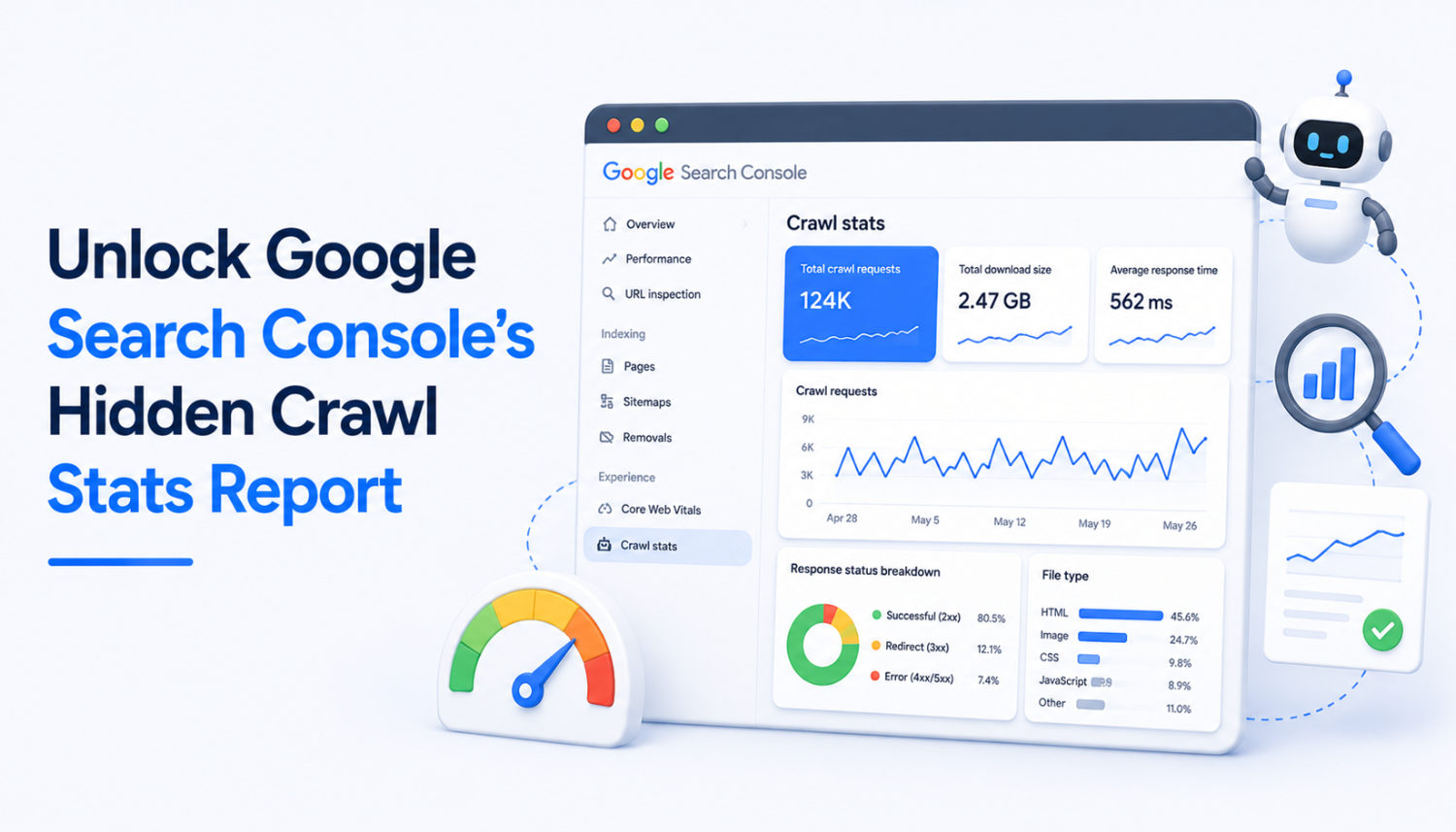
As an SEO specialist, staying on top of your website’s performance is crucial for success. One of the most valuable tools at your disposal is Google Search Console (GSC), a platform that provides valuable insights into your site’s presence in Google and helps you troubleshoot issues. Within GSC, there’s a feature that’s often overlooked but can provide a wealth of information: the Crawl Stats report. This report offers a treasure trove of data that can help you understand how Google crawls your website and identify potential issues that may be impacting your site’s performance.
Unfortunately, the Crawl Stats report is not as well-known as it should be. Even experienced SEO professionals may not be aware of its existence or how to access it. However, once you understand how to use this feature, you’ll be able to gain valuable insights into your site’s behavior and make data-driven decisions to improve your SEO efforts.
In this article, we’ll explore the Crawl Stats report in Google Search Console, including how to access it, what information it provides, and how to use it to improve your website’s performance. Whether you’re an experienced SEO professional or just starting out, this guide will help you unlock the full potential of this powerful tool.
What is the Crawl Stats Report?
The Crawl Stats report is a feature within Google Search Console that provides information about how Google crawls your website. This includes data on the number of crawl requests, the amount of content downloaded, and the average response time. By analyzing this data, you can gain insights into your site’s performance and identify potential issues that may be impacting your site’s visibility in search engine results pages (SERPs).
Accessing the Crawl Stats Report
To access the Crawl Stats report, follow these steps:
- Log in to your Google Search Console account.
- Scroll down to the left-hand sidebar and click on the “Settings” icon.
- Scroll down to the “Crawling” section and click the “Open Report” link next to “Crawl stats.”
Understanding the Crawl Stats Report
Once you’ve accessed the Crawl Stats report, you’ll see a range of data and visualizations that provide insights into your site’s performance. Here are some key metrics to pay attention to:
- Total crawl requests: This metric shows the total number of times Google has crawled your site over a given period.
- Total download size: This metric measures the amount of content Google downloads during the crawling process. A high average could suggest that a lot of data is being retrieved or that file sizes are large.
- Average response time: This metric shows how long it takes your server to respond to Google’s request for a page’s content. A lower response time generally indicates a faster server, which can lead to faster crawling and indexing.
- Host status: This section shows which issues Google encountered with your robots.txt file, DNS resolution, and server connectivity. Green ticks mean Google had no problems. If you see an exclamation mark, then Google hasn’t been able to crawl your site, or there’s some other potential problem.
- Crawl responses: This report shows all the responses Googlebots receive when crawling your site. Each response is grouped by its codes (200, 301, 404, etc.). The percentage indicated to the right of each response represents the proportion of total crawl requests that result in each response type.
- File type report: This report shows the different types of files Google crawls, including HTML, CSS, JavaScript, and more.
Using the Crawl Stats Report to Improve Your SEO
Now that you understand the Crawl Stats report, let’s talk about how to use it to improve your SEO. Here are some key takeaways:
- The Crawl Stats report can help you identify crawl errors and issues that may be impacting your site’s performance.
- Use the report to identify which pages Google is crawling and which ones are not. This can help you target your SEO efforts and make sure important pages are included in search engine results pages (SERPs).
- The report can help you identify issues with your robots.txt file, DNS resolution, and server connectivity. Addressing these issues can help improve your site’s performance and visibility in search engines.
- Use the report to optimize your site’s crawl budget and improve your site’s overall performance.
Conclusion
In conclusion, the Crawl Stats report is a powerful tool that can provide valuable insights into your site’s performance and help you identify potential issues that may be impacting your site’s visibility in search engine results pages (SERPs). By following the steps outlined in this guide and using the report to inform your SEO efforts, you can improve your site’s performance, increase your search engine rankings, and drive more traffic to your site.
Remember, SEO is a constantly evolving field, and staying on top of the latest trends and best practices is crucial for success. By incorporating the Crawl Stats report into your SEO strategy, you’ll be able to stay ahead of the curve and achieve your online marketing goals.
Key Takeaways
- The Crawl Stats report is a powerful tool that provides valuable insights into your site’s performance.
- The report can help you identify crawl errors and issues that may be impacting your site’s performance.
- Use the report to identify which pages Google is crawling and which ones are not.
- The report can help you identify issues with your robots.txt file, DNS resolution, and server connectivity.
- Use the report to optimize your site’s crawl budget and improve your site’s overall performance.
Frequently Asked Questions (FAQs)
What is the Crawl Stats report?
The Crawl Stats report is a feature within Google Search Console that provides information about how Google crawls your website.
How do I access the Crawl Stats report?
To access the Crawl Stats report, follow these steps: Log in to your Google Search Console account, scroll down to the left-hand sidebar and click on the “Settings” icon, scroll down to the “Crawling” section and click the “Open Report” link next to “Crawl stats.”
What information does the Crawl Stats report provide?
The Crawl Stats report provides data on the number of crawl requests, the amount of content downloaded, and the average response time. It also includes information on crawl errors and issues that may be impacting your site’s performance.
How can I use the Crawl Stats report to improve my SEO?
Use the Crawl Stats report to identify crawl errors and issues that may be impacting your site’s performance. Identify which pages Google is crawling and which ones are not, and use the report to optimize your site’s crawl budget and improve your site’s overall performance.
Is the Crawl Stats report available for all websites?
The Crawl Stats report is available for all websites that have a Google Search Console account.