As a marketer, tracking and analyzing the customer journey is crucial to understanding how different marketing channels contribute to conversions. With the launch of Google Analytics 4 (GA4), Universal Analytics is no longer supported, and users are required to migrate to the new platform. One of the most exciting features of GA4 is the assisted conversions report, which provides valuable insights into the interactions and touchpoints that lead to conversions. In this article, we will delve into the world of assisted conversions, exploring what they are, the metrics that matter, and best practices for leveraging this feature to optimize your online strategy.
Assisted conversions refer to the interactions or touchpoints along the customer journey that contribute to a conversion. For instance, a user might find your website through a social media post or ad, later click on a Google search ad, and finally, make a purchase. The social media ad and the Google search ad both assist in the conversion process. By viewing these touchpoints, you can see which of your marketing channels are the most effective for assisting conversions and identify the final touchpoint. This information can be used to adapt your marketing strategy and adjust your budget for the best ROI.
Understanding Assisted Conversions
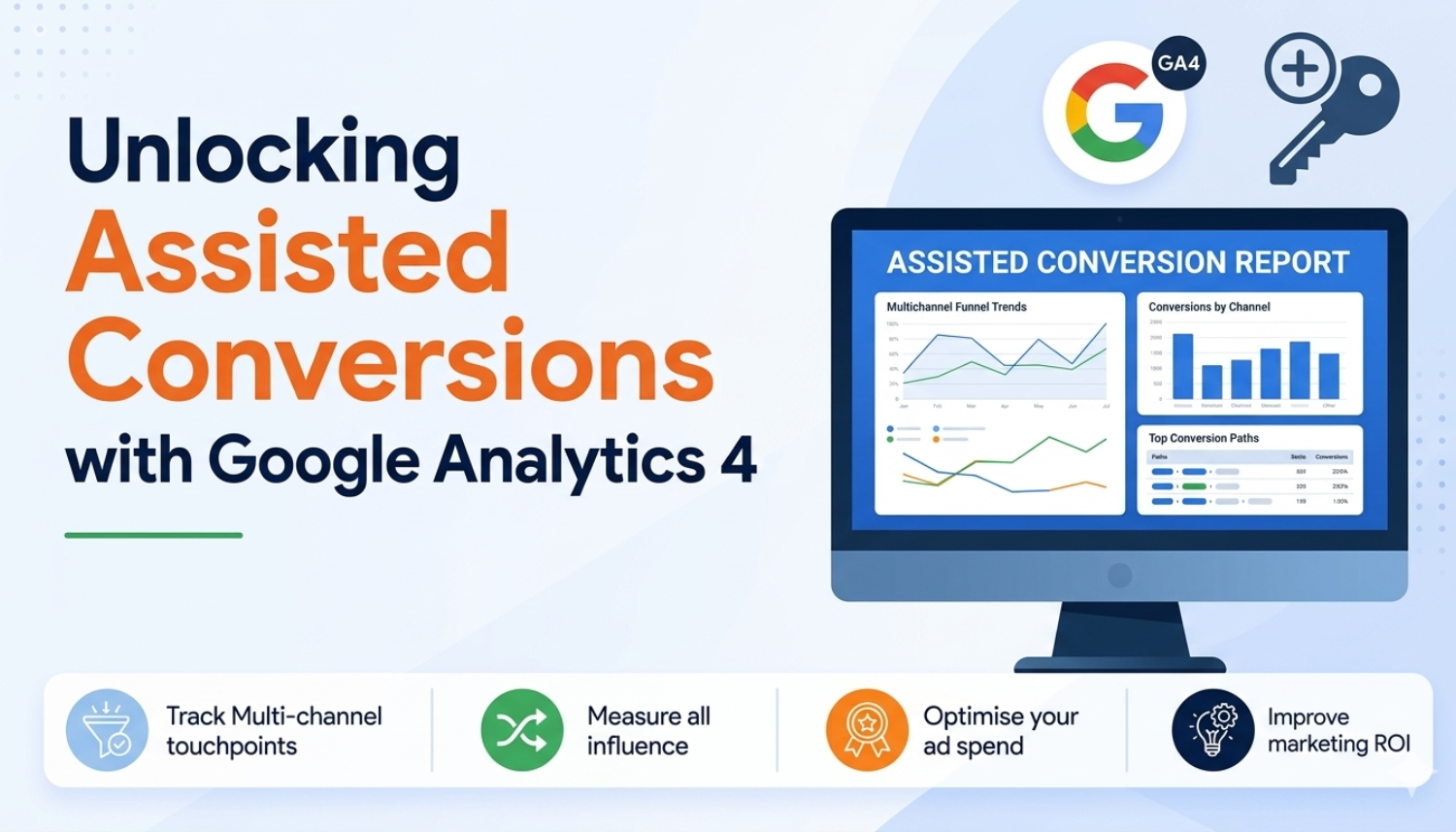
The assisted conversion report maps the impact and contribution of different marketing channels and touchpoints along your customers’ conversion journey. It’s like having a trail of breadcrumbs that leads you to understand which channels played a supportive role in driving conversions. The report provides data visualizations to view the early, mid, and late touchpoints that make up the assisted conversion. You can customize and filter results for more precise data to find exactly what you want.
Key Metrics and Reports
- The assisted conversion report tracks the impact of different marketing channels and touchpoints along the customer journey, providing insights into how they contribute to conversions.
- The report provides data visualizations to view the early, mid, and late touchpoints that make up the assisted conversion, allowing you to customize and filter results for more precise data.
- The top conversion path report highlights data like ad clicks, email opens, and organic research results, providing a comprehensive view of the customer journey.
- The report breaks down marketing channels into various categories, enabling you to analyze the effectiveness of different channels and how they work together to drive conversions.
Accessing the Assisted Conversions Report
To access the assisted conversions report in GA4, follow these steps: First, navigate to the Conversions tab and select Multi-channel reporting. Then, click on the Assisted Conversions report, which will provide you with a comprehensive view of the marketing channels and touchpoints that contribute to conversions.
How to Leverage Assisted Conversions for Optimization
With the assisted conversions report, you can identify the most effective marketing channels and touchpoints that contribute to conversions. By analyzing this data, you can adjust your marketing strategy and budget to focus on the channels that drive the most conversions. Additionally, you can use this information to improve customer experience by identifying areas where the customer journey can be optimized.
Best Practices for Using Assisted Conversions
- Use the assisted conversions report to identify the most effective marketing channels and touchpoints that contribute to conversions.
- Adjust your marketing strategy and budget to focus on the channels that drive the most conversions.
- Use this information to improve customer experience by identifying areas where the customer journey can be optimized.
- Customize and filter the report to gain more precise insights into the customer journey.
- Use the top conversion path report to gain a comprehensive view of the customer journey.
Conclusion
The assisted conversions report in GA4 provides valuable insights into the marketing channels and touchpoints that contribute to conversions. By leveraging this report, you can optimize your marketing strategy and improve customer experience. Remember to use the report to identify the most effective channels and touchpoints, adjust your strategy accordingly, and customize the report to gain more precise insights.
By following the best practices outlined in this article, you can unlock the full potential of the assisted conversions report and drive more conversions for your business.
Key Takeaways
- The assisted conversions report in GA4 provides insights into the marketing channels and touchpoints that contribute to conversions.
- The report can be used to identify the most effective marketing channels and touchpoints that drive conversions.
- The report can be customized and filtered to gain more precise insights into the customer journey.
- The top conversion path report provides a comprehensive view of the customer journey.
- The assisted conversions report can be used to optimize marketing strategy and improve customer experience.
Frequently Asked Questions (FAQs)
What is assisted conversions in GA4?
Assisted conversions in GA4 refer to the interactions or touchpoints along the customer journey that contribute to a conversion.
How do I access the assisted conversions report in GA4?
To access the assisted conversions report in GA4, navigate to the Conversions tab and select Multi-channel reporting. Then, click on the Assisted Conversions report.
What can I do with the assisted conversions report in GA4?
You can use the assisted conversions report to identify the most effective marketing channels and touchpoints that contribute to conversions, adjust your marketing strategy and budget accordingly, and improve customer experience by identifying areas where the customer journey can be optimized.
How can I customize the assisted conversions report in GA4?
You can customize the report by selecting specific date ranges, channels, and touchpoints to gain more precise insights into the customer journey.
What is the top conversion path report in GA4?
The top conversion path report provides a comprehensive view of the customer journey by highlighting data like ad clicks, email opens, and organic research results.