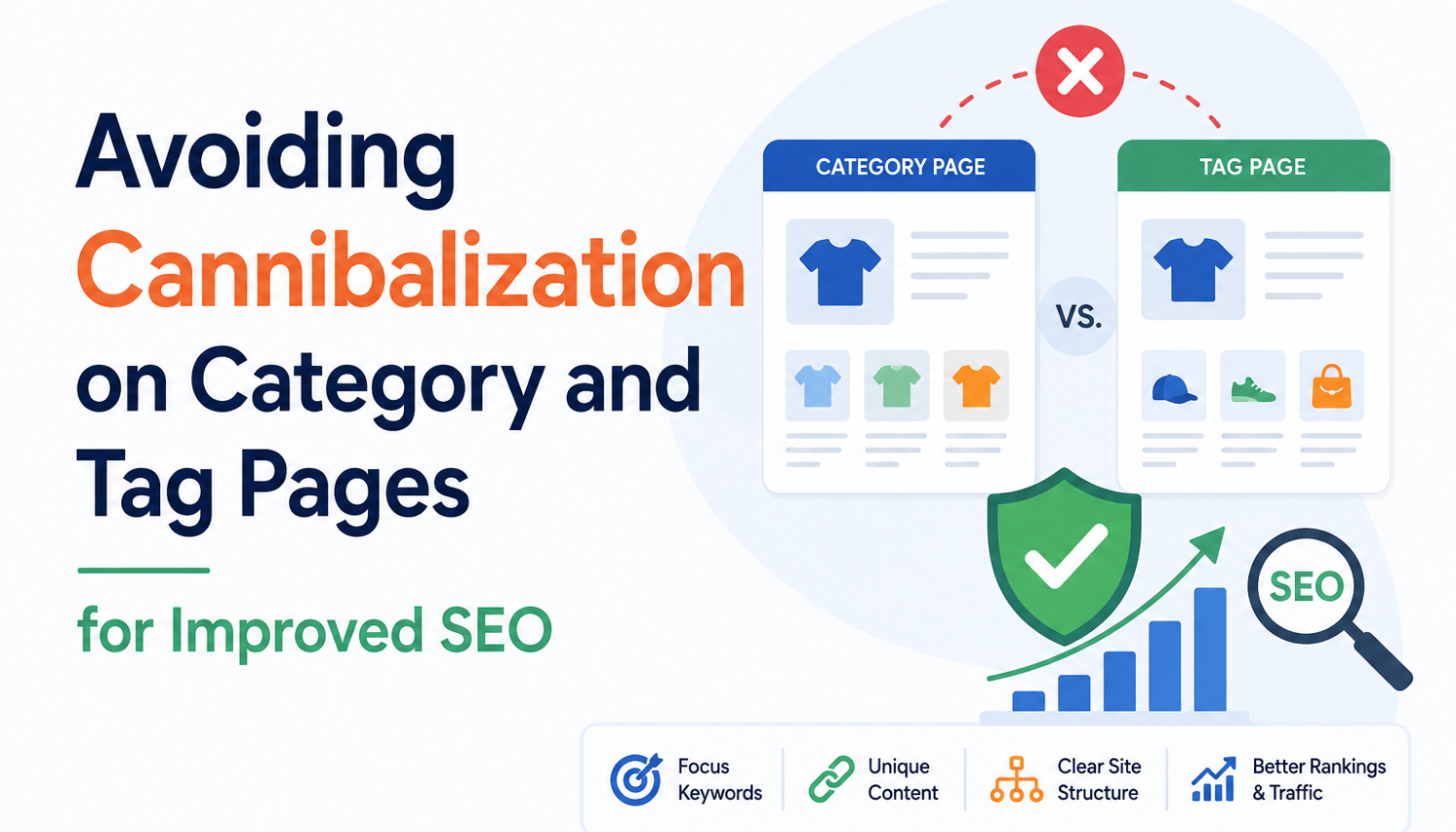
When it comes to organizing content on your website, whether it’s product listing pages, product detail pages, blog posts, or even images, there is no one-size-fits-all solution. However, one common tactic that many content management systems (CMS) offer are SEO category pages and tags. By creating broad category pages (e.g. mens shirts, womens shoes) and more specific tag pages (e.g. white shirt, black jeans, etc.), you can create an effective organization system for your content. But while these tools are useful, too many category and tag pages can actually cause problems, particularly when it comes to search engine optimization (SEO) performance.
The Problem with Excessive Category and Tag Pages
Most concerns around category and tag style pages and their impact on SEO performance fall into one of two categories: ranking conflicts and crawl/index bloat issues. Let’s take a closer look at each of these issues.
Ranking Conflicts: Cannibalization of Relevant Content
Excessive category and tag pages can lead to a phenomenon known as cannibalization, where internal pages are competing for the same traffic. This can result in a dilution of your website’s overall ranking performance, as the search engines are unsure which page is the most relevant and should be displayed in the search results. For example, if you have a category page for mens shirts and a tag page for white shirts, you may be competing with your own pages for the same search queries.
- When you have too many category and tag pages, you may be diluting the relevance of your most important pages, leading to a decrease in overall ranking performance.
- This can result in a loss of traffic and engagement, as users may be confused about which page is the most relevant and accurate.
- In extreme cases, cannibalization can even lead to a complete loss of ranking performance for certain keywords, making it difficult for users to find your website in search results.
Crawl/Index Bloat Issues: Overwhelming Search Engines
Crawl/index bloat issues occur when search engines have too much content to crawl and index, leading to a negative impact on your website’s overall crawling and indexing performance. This can result in a crawl budget that is not being effectively utilized, causing important pages to be missed during the crawling process.
- When you have too many category and tag pages, you may be overwhelming search engines with too much content to crawl and index, leading to a negative impact on your website’s overall crawling and indexing performance.
- This can result in a crawl budget that is not being effectively utilized, causing important pages to be missed during the crawling process.
- In extreme cases, crawl/index bloat issues can even lead to a complete loss of crawling and indexing performance for certain pages, making it difficult for users to find your website in search results.
Noindexing: A Solution to Excessive Category and Tag Pages
One potential solution to excessive category and tag pages is to use the noindex tag. This tag tells search engines not to index a particular page, effectively removing it from the search engine results pages (SERPs) and preventing it from competing with other pages for the same traffic.
However, it’s essential to use the noindex tag judiciously, as it can have a significant impact on your website’s crawling and indexing performance. You should only use this tag for pages that are not essential to your website’s structure and are not providing any value to users.
NP Digital Client Example: Noindexing Excessive Category Pages
In one instance, a client of NP Digital was experiencing issues with excessive category pages causing cannibalization and crawl/index bloat issues. By leveraging Google Search Console, we were able to analyze how removing unnecessary category and tag pages led to an increase in traffic to the actual pages we wanted users to go to.
- We compared the login page and the tag page, and it was clear that there was a splitting of the traffic between the two pages.
- The tag page was receiving significantly less traffic than the login page, but it was still causing confusion and driving users away from the target URL.
- After noindexing the tag page, we saw an immediate drop in traffic to the tag page and an increase in traffic to the actual login page.
Conclusion
Excessive category and tag pages can have a significant impact on your website’s search engine optimization (SEO) performance, leading to cannibalization and crawl/index bloat issues. By using the noindex tag judiciously, you can effectively remove unnecessary pages from the search engine results pages (SERPs) and prevent them from competing with other pages for the same traffic.
Key Takeaways
- Excessive category and tag pages can lead to cannibalization and crawl/index bloat issues, negatively impacting your website’s SEO performance.
- The noindex tag can be an effective solution to remove unnecessary pages from the search engine results pages (SERPs) and prevent them from competing with other pages for the same traffic.
- Judicious use of the noindex tag is essential to avoid impacting your website’s crawling and indexing performance.
- Regularly reviewing and optimizing your category and tag pages can help prevent cannibalization and crawl/index bloat issues.
- Using Google Search Console can help you analyze your website’s crawling and indexing performance and identify areas for improvement.
Frequently Asked Questions (FAQs)
What is cannibalization in search engine optimization (SEO)?
Cannibalization in search engine optimization (SEO) refers to the phenomenon where internal pages are competing for the same traffic, leading to a dilution of the website’s overall ranking performance.
What is the noindex tag in search engine optimization (SEO)?
The noindex tag is a directive that tells search engines not to index a particular page, effectively removing it from the search engine results pages (SERPs) and preventing it from competing with other pages for the same traffic.
How can I prevent cannibalization and crawl/index bloat issues on my website?
You can prevent cannibalization and crawl/index bloat issues on your website by regularly reviewing and optimizing your category and tag pages, using the noindex tag judiciously, and ensuring that your website’s crawling and indexing performance is optimized.
What tools can I use to analyze my website’s crawling and indexing performance?
You can use Google Search Console to analyze your website’s crawling and indexing performance and identify areas for improvement.
How often should I review and optimize my category and tag pages?
You should regularly review and optimize your category and tag pages at least once a quarter to ensure that they are still relevant and effective in preventing cannibalization and crawl/index bloat issues.