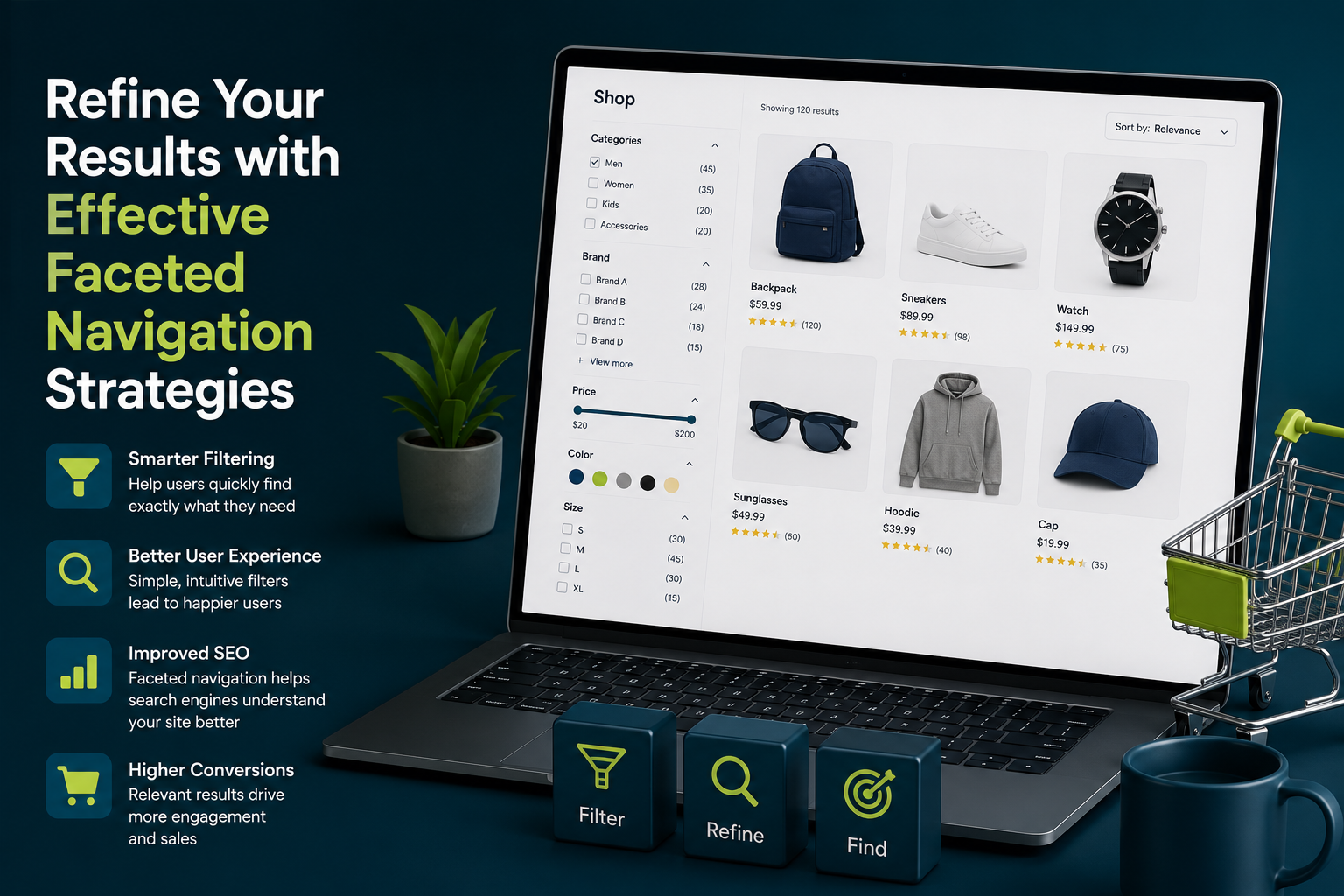
Have you ever been on an e-commerce store’s website and used the filters on the left-hand side or the top of the page to find the perfect product? You’ve just encountered faceted navigation in the wild! While faceted navigation is great for helping your customers find products, implementing it incorrectly can harm your SEO. In this article, we’ll explain how faceted navigation works, how to use it correctly, and how to reap the benefits.
Faceted navigation, also known as faceted search, is a way to refine your search results based on specific characteristics, or facets. Let’s say you’re looking for a birthday present for a friend on Etsy. While you could carry out a search and painstakingly look at all the product pages that appear, you can use faceted navigation to filter the results even further. This saves time and means you’re more likely to find a gift your friend will love in less time.
Etsy lets you filter using a wide range of facets, including color, price, occasion, estimated delivery date, even by whether or not free delivery is available. While filters are always present regardless of what a site visitor searches for, faceted navigation changes depending on the search query and the products on offer. For example, if you search Amazon for jeans, you’ll see a list of brands including Levi’s, Wranglers, and Tommy Hilfiger. You wouldn’t see this list if you searched for something unrelated, like dinner plates.
How Faceted Navigation Works
Faceted navigation can be found on various types of websites, not just e-commerce stores. Real estate websites or job sites can also use faceted navigation to help users find what they’re looking for. While you’re most likely to see faceted navigation on e-commerce stores, it can be useful in other contexts as well.
Implementing Faceted Navigation
Implementing faceted navigation can be easy if you have a simple e-commerce site or are using an established CMS. Most platforms have extensions you can download to apply faceted search, like the example below in WooCommerce. However, if you have a complex website or a custom CMS, a web developer will need to add the functionality for you using code.
- Start by adding relevant facets to your products through your web platform interface. In most e-commerce platforms, your facets will automatically appear on the product search page as well as in your product database.
- Again, if you have a complex site or are using a custom CMS, you may need a web developer to help you apply the faceted navigation.
- When a user selects filters, the URL dynamically updates with parameters. Your website uses these parameters to understand what filters the website visitor is using and retrieve the products from the database that fulfill the specified criteria.
Benefits of Using Faceted Navigation
There are several benefits to using faceted navigation on your e-commerce website. People want a fast and efficient e-commerce experience. The average time spent on a page is only 52 seconds, so you don’t have long to make a good impression! Faceted navigation means visitors can find what they need sooner, meaning happier shoppers and a better customer experience.
- Faceted navigation makes it easier for users to convert on your site, as it’s easier to find the products that best suit their needs. Not only this, but as you’re exposing users to a wider range of products, they’re highly likely to buy more, increasing average order value (AOV).
- More products for sale isn’t always a good thing. Psychological studies show that more options can lead to customers struggling to make a decision. Not only this, but a poorly structured website can confuse visitors, meaning they’re more likely to leave.
- Faceted navigation streamlines your e-commerce website, signposting customers directly to the products they want. In addition to making your website easier to navigate, faceted navigation makes it easier to scale up.
Common Mistakes to Avoid
There are several common mistakes to avoid when implementing faceted navigation. One of the most common mistakes is over-complicating the faceted navigation system. While it’s tempting to include every possible filter option, this can lead to a cluttered and confusing interface.
- Another common mistake is not testing the faceted navigation system thoroughly. Make sure to test the system with different search queries and filter options to ensure that it’s working correctly.
- Finally, don’t forget to monitor the performance of your faceted navigation system. Use analytics tools to track how users are interacting with the system and make adjustments as needed.
Conclusion
In conclusion, faceted navigation is a powerful tool for improving the user experience on your e-commerce website. By implementing faceted navigation correctly and avoiding common mistakes, you can increase conversions, improve user satisfaction, and drive sales.
Remember, the key to successful faceted navigation is to keep it simple, intuitive, and user-friendly. By following these guidelines, you can create a faceted navigation system that will help your customers find what they need quickly and easily, leading to a better overall shopping experience.
Key Takeaways
- Faceted navigation is a way to refine search results based on specific characteristics or facets.
- Faceted navigation can be implemented using various e-commerce platforms and CMS systems.
- Faceted navigation improves user experience, increases conversions, and drives sales.
- Common mistakes to avoid include over-complicating the faceted navigation system and not testing it thoroughly.
Frequently Asked Questions (FAQs)
What is faceted navigation?
Faceted navigation is a way to refine search results based on specific characteristics or facets.
How do I implement faceted navigation on my e-commerce website?
Implementing faceted navigation on your e-commerce website requires several steps, including adding relevant facets to your products, testing the system thoroughly, and monitoring its performance.
What are the benefits of using faceted navigation?
The benefits of using faceted navigation include improved user experience, increased conversions, and driven sales.
What are some common mistakes to avoid when implementing faceted navigation?
Common mistakes to avoid when implementing faceted navigation include over-complicating the system and not testing it thoroughly.